Home›Features›iCloud
iCloud calendar on Android
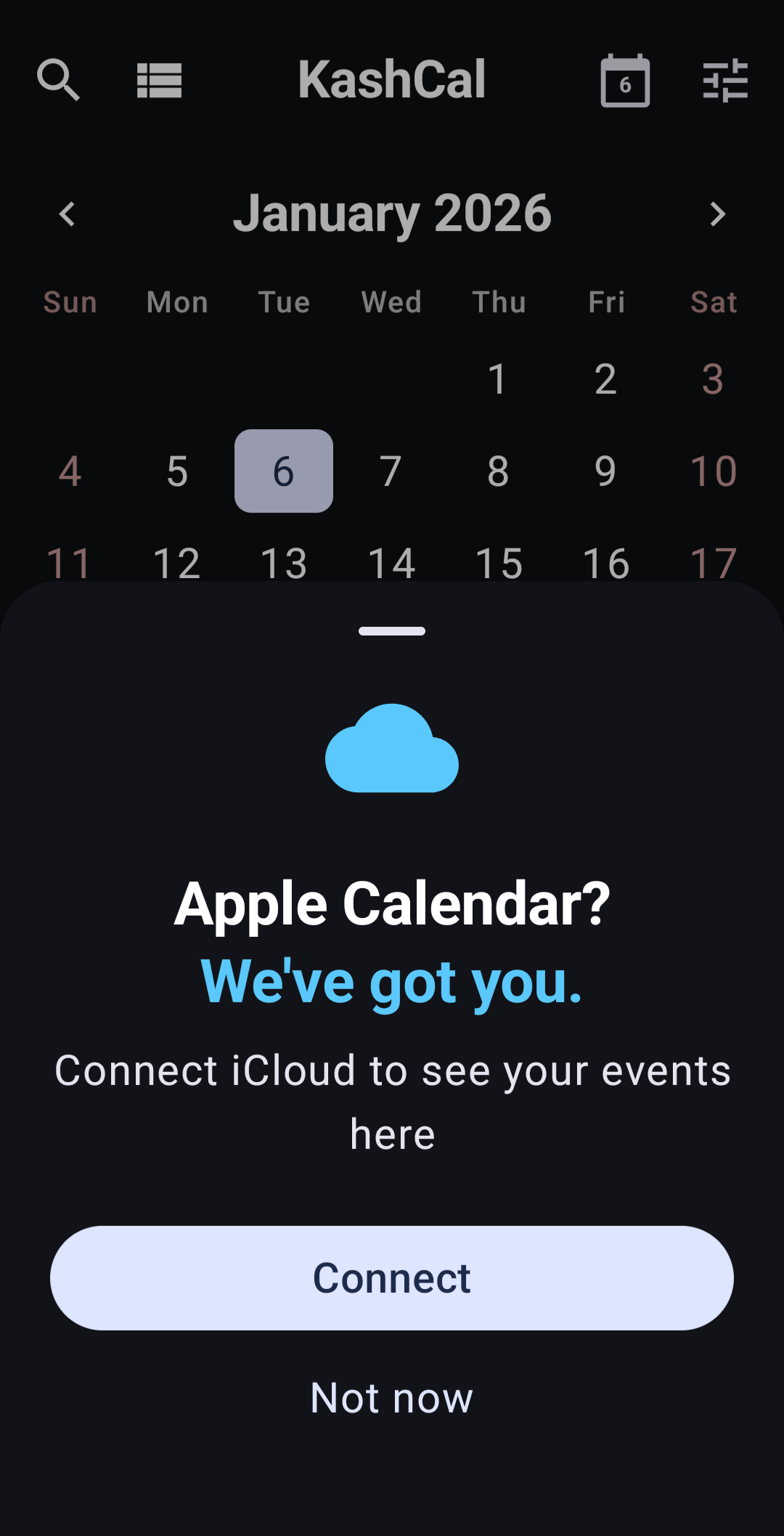
Switched to Android but your family is still on Apple? KashCal syncs your iCloud calendars directly to your Android phone, in both directions. Free, open source, no workaround needed.
What syncs
Events you add or edit on Android push to iCloud right away, which means your partner's iPhone or iPad picks them up within seconds. Inbound changes from Apple devices arrive in the background once an hour by default, and immediately when you open KashCal or pull down to refresh.
- Personal calendars
- Shared and family calendars
- Calendar colors
- Event titles, times, locations, and notes
- Recurring events, including one-off changes to a single occurrence
- Reminders and alerts
- All-day and multi-day events
- Time zones
Not yet: meeting invites, attendees, and responding to invitations. If you rely on being invited to events with RSVP buttons, this isn't there yet. Everything else on a typical family or personal calendar works.
What you need
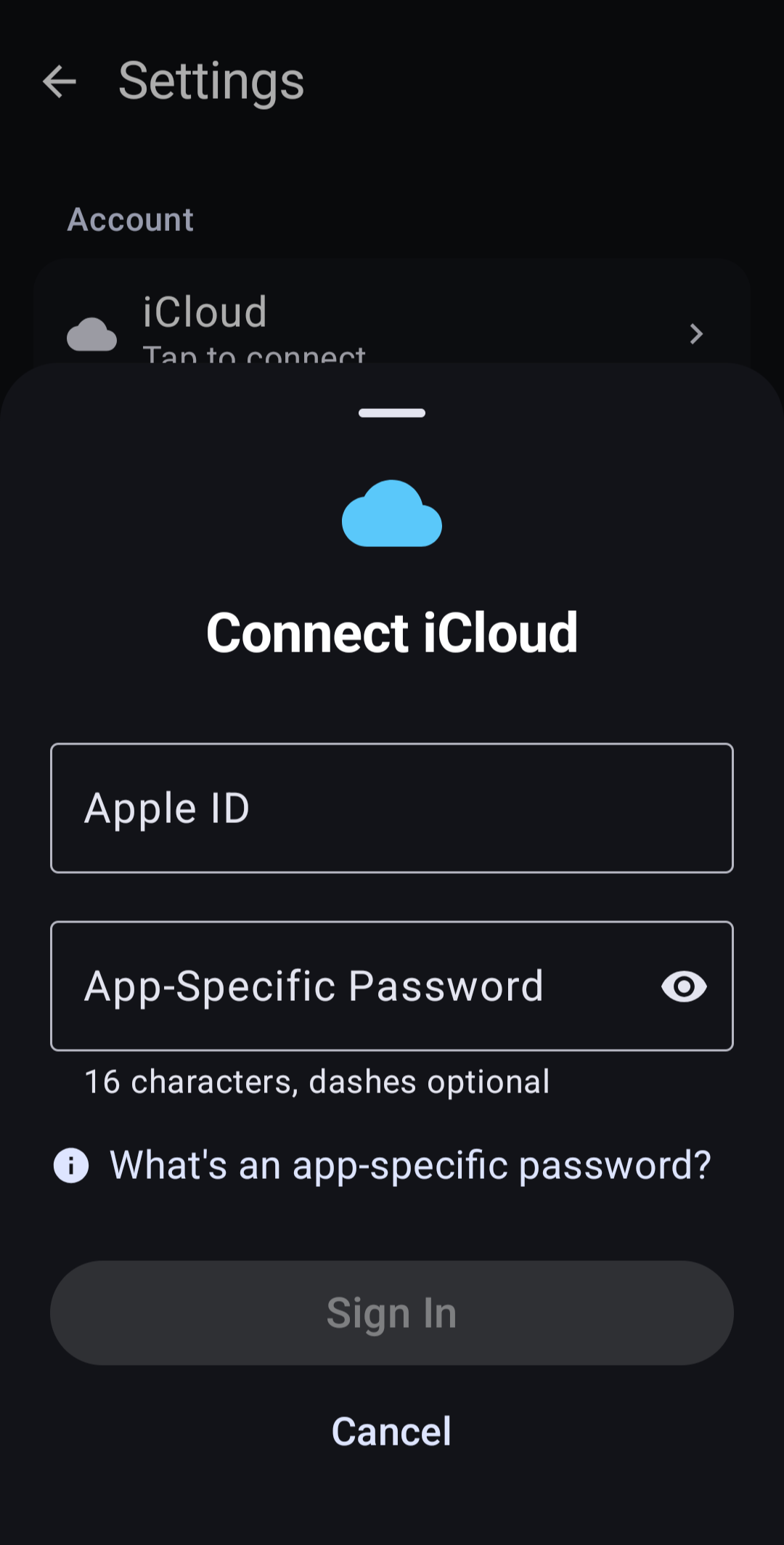
Apple requires an app-specific password to let third-party apps reach iCloud. Your regular Apple ID password won't work. Getting one is a 30-second detour:
- Sign in to account.apple.com
- Open App-Specific Passwords and create one named "KashCal"
- Copy the 16-character code
- In KashCal, tap Add Account, pick iCloud, and paste the code with your Apple ID
All your iCloud calendars show up right away, including ones shared with you. Hide any you don't want in view from Settings.
Material You
KashCal picks up the colors from your Android wallpaper on Android 12 and newer, so the app feels at home on your phone instead of bolted on. Widgets pick up the same palette. Light and dark follow your system setting.
No middleman
Your phone talks to iCloud directly over HTTPS. There's no KashCal server in between, because there's no KashCal server at all. Credentials are stored encrypted in the Android Keystore and excluded from device backups. See the privacy policy for details.


