Home›Features›All your calendars
What we mean by “all”All your calendars on Android
Family stuff on iCloud. Work on Outlook. A side project on Google. Holidays from a website. School pickups from a PTA feed. KashCal puts them all on one Android phone.
Four ways calendars get in
No single protocol covers every calendar people use. Apple speaks one language, Microsoft speaks another, Google has its own, and schools and sports leagues hand out plain text feeds. KashCal supports four kinds of calendar sources so all of that can live in one app.
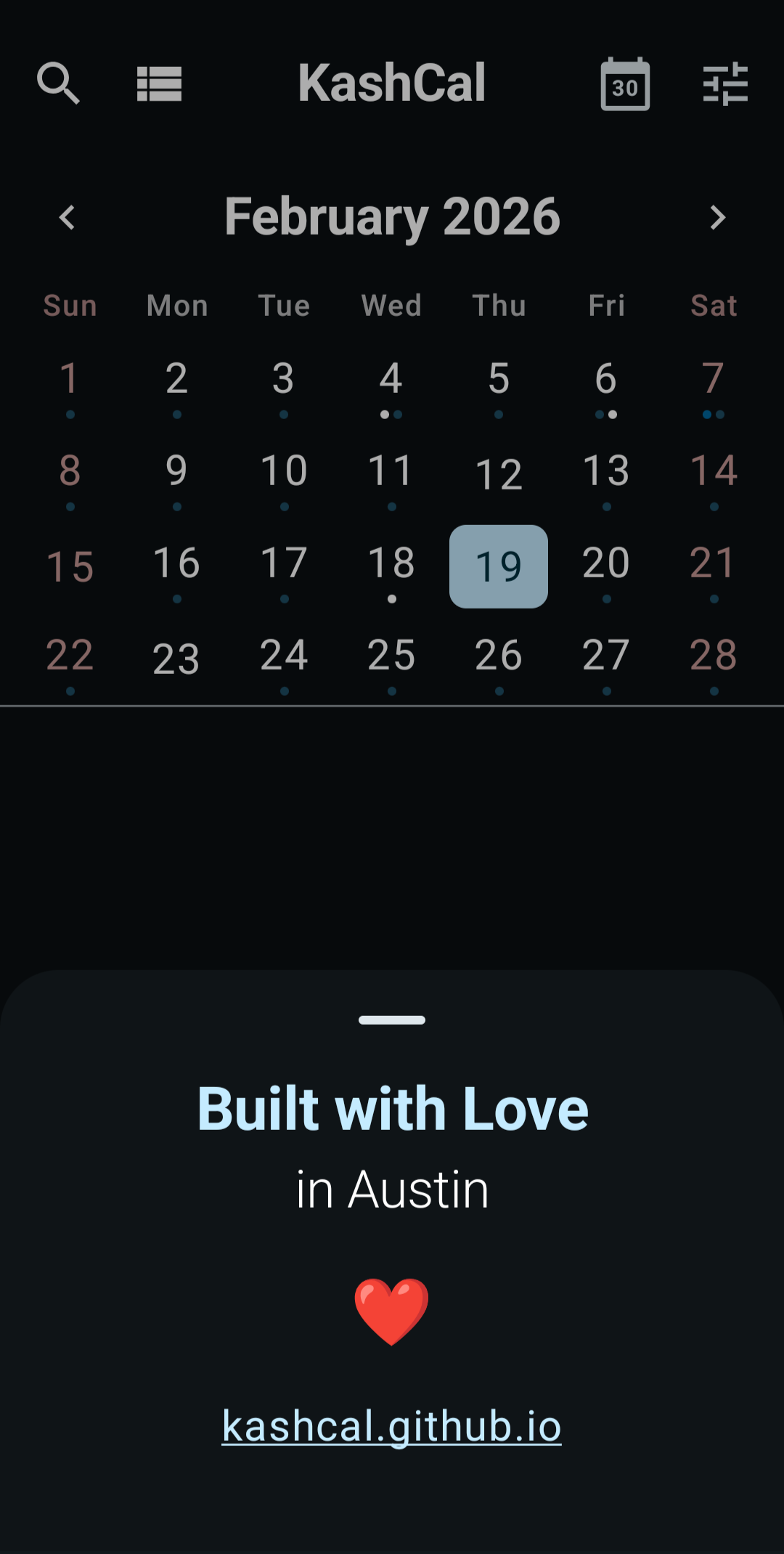
Once a source is connected, its events show up in the same month, week, agenda, and day views as everything else. Hide any calendar you don't want in view from the navigation drawer.
iCloud vs other CalDAV servers
iCloud uses CalDAV, so technically it's part of the same family as Nextcloud and Fastmail and the rest. But Apple does a few things their own way and that's enough for iCloud to need its own setup path:
- Your regular Apple ID password won't work with third-party apps. Apple requires an app-specific password from account.apple.com. Other CalDAV servers take your normal password.
- The server URL isn't something you have to type. KashCal does the discovery for you once you sign in.
- Family Sharing calendars come with their own permission rules.
For Nextcloud, Fastmail, Radicale, and the others, it's the standard CalDAV flow: server URL, username, password. The full list of providers people have tested is in the README.
Why four, not one
Calendar protocols are fragmented and the big vendors aren't in a hurry to fix that. The short version:
- Apple publishes a CalDAV endpoint for iCloud. KashCal connects directly.
- Microsoft doesn't expose CalDAV at all. They want apps on their Graph API instead.
- Google has partial CalDAV but steers third-party apps to its REST API.
- Self-hosted and indie servers (Nextcloud, Radicale, Fastmail, etc.) almost always speak CalDAV.
- Schools, sports leagues, holiday providers hand out a static ICS URL.
Building a separate vendor integration for each one would mean shipping Microsoft Graph and Google Calendar API clients alongside CalDAV, with all the OAuth, token refresh, and policy machinery that goes with them. The simpler path is to let Android keep those vendor accounts in sync and read from there. That's what device calendars are.
Where Microsoft and Google fit
If you have a Google or Outlook account, Android is almost certainly already syncing it through the system calendar. Google accounts sync automatically. Outlook for Android has a Sync calendars toggle that pushes Outlook events into the same place. KashCal reads from there, so those events show up alongside iCloud and CalDAV.
KashCal users have reported pairing it with Google Calendar, Outlook for Android, Microsoft 365, and Samsung Calendar this way. Some have also subscribed to the published .ics URL from Outlook or Google directly as a one-way feed. Both work.
| Provider | How it gets in |
|---|---|
| iCloud | Direct CalDAV |
| Nextcloud, Fastmail, Radicale, others | Direct CalDAV |
| Google Calendar | Device calendar (Android sync) or ICS feed |
| Outlook / Microsoft 365 | Device calendar (Outlook for Android) or ICS feed |
| Holidays, schools, sports | ICS subscription |
What ICS feeds are good for
ICS subscriptions are one-way: paste a URL, KashCal fetches it, refreshes on a schedule. The classic use is holidays, school terms, sports seasons, and conference schedules. They're also a clean fallback for any calendar that publishes an .ics link, which includes most Outlook calendars and any Google Calendar you've made public.
Recurring events with one-off changes (a cancelled occurrence here, a moved time there) work, including the kind of feeds Microsoft Exchange produces.
What device calendars do and don't bring with them
Android keeps the underlying account in sync (Google, Outlook, etc.) and KashCal reads whatever lands in Android's calendar database. Write-back works as well as the vendor's own Android app supports. Reminders usually come through. Calendar colors come through if the vendor sets them.
If two of your device calendars end up looking similar in KashCal, the fix is to change the calendar color at the source. Google Calendar writes the new color into Android within minutes and KashCal picks it up. Some accounts (Outlook is a common example) don't write a color at all, so there's nothing for KashCal to inherit.
For per-event color, KashCal has its own 92-color picker that overrides whatever the calendar provides. Handy when one event needs to stand out without recoloring the whole calendar.
And one more: birthdays from your contacts
The four sources above cover calendars. Birthdays and anniversaries usually aren't kept on a calendar at all. They're buried in your contacts. KashCal pulls birth dates and anniversaries straight from Android's contacts and shows them as yearly recurring events alongside everything else. No separate calendar to maintain, no annual prep work. Add a birthday to a contact and it appears on the right day next year too.
How it stays private
There's no KashCal server. iCloud and CalDAV traffic goes phone to server over HTTPS. ICS subscriptions are direct fetches from your phone. Device calendars never leave your phone in the first place. They're already there and KashCal just reads them. The credentials you do enter are encrypted with the Android Keystore (AES-256-GCM) and excluded from device backups. Full details on the privacy page.
Where to start
Pick whichever fits your setup:
- iPhone family, Android phone: connect iCloud directly.
- Nextcloud, Fastmail, or another self-hosted or indie provider: add a CalDAV account from the in-app picker.
- Google Calendar or Google Workspace: sign your Google account into Android with calendar sync on. KashCal reads it as a device calendar.
- Outlook or Microsoft 365: install Outlook for Android and turn on Sync calendars, or paste the published
.icsURL as a subscription. - Holidays, school, sports, conference schedule: grab the ICS link from the source and add it as a subscription.
- Birthdays and anniversaries: already in your phone's contacts. KashCal turns them into yearly events automatically.
Add as many as you want. Toggle any on or off from the navigation drawer.
Common questions
Can KashCal show my Google Calendar on Android?
Yes. Add your Google account in Android's system settings and let it sync. KashCal reads from Android's calendar system, so your Google events show up alongside everything else. Calendar colors set in Google Calendar carry through too.
Does KashCal sync with Outlook?
Indirectly. Microsoft doesn't publish a CalDAV endpoint, so the path is to install Outlook for Android and turn on Sync calendars in its settings. Your Outlook events then appear in Android's calendar system, which KashCal reads. You can also subscribe to an Outlook .ics share link as an ICS feed.
What is the difference between CalDAV, ICS, and device calendars?
CalDAV is two-way live sync over an open standard. ICS is a one-way subscription to a calendar URL that refreshes on a schedule. Device calendars are accounts already configured on your Android phone, like Google or Outlook, which Android keeps in sync and KashCal reads alongside its own. Each one fills a gap the others don't.
Why four different sources instead of one?
Because calendar protocols are fragmented. Apple speaks CalDAV. Microsoft only opens its Graph API. Google has partial CalDAV but steers developers to its REST API. ICS feeds cover everything else, from school terms to sports seasons. Four sources is what it takes to cover the real world.
Will calendars from different sources show up together?
Yes. iCloud, CalDAV, ICS, and device calendar events appear in the same month, agenda, week, and day views. You can hide any calendar from the navigation drawer if you want a cleaner view.
Where do birthdays and anniversaries come from?
From your phone's contacts. KashCal reads birth dates and anniversary dates that Android already has and turns each one into a yearly recurring event. No separate birthday calendar to set up, and no manual prep at the start of every year.


