Home›Features›Beautiful
A modest claimThe best-looking calendar on Android
Yes, we said it. Scroll down and see if you still disagree.
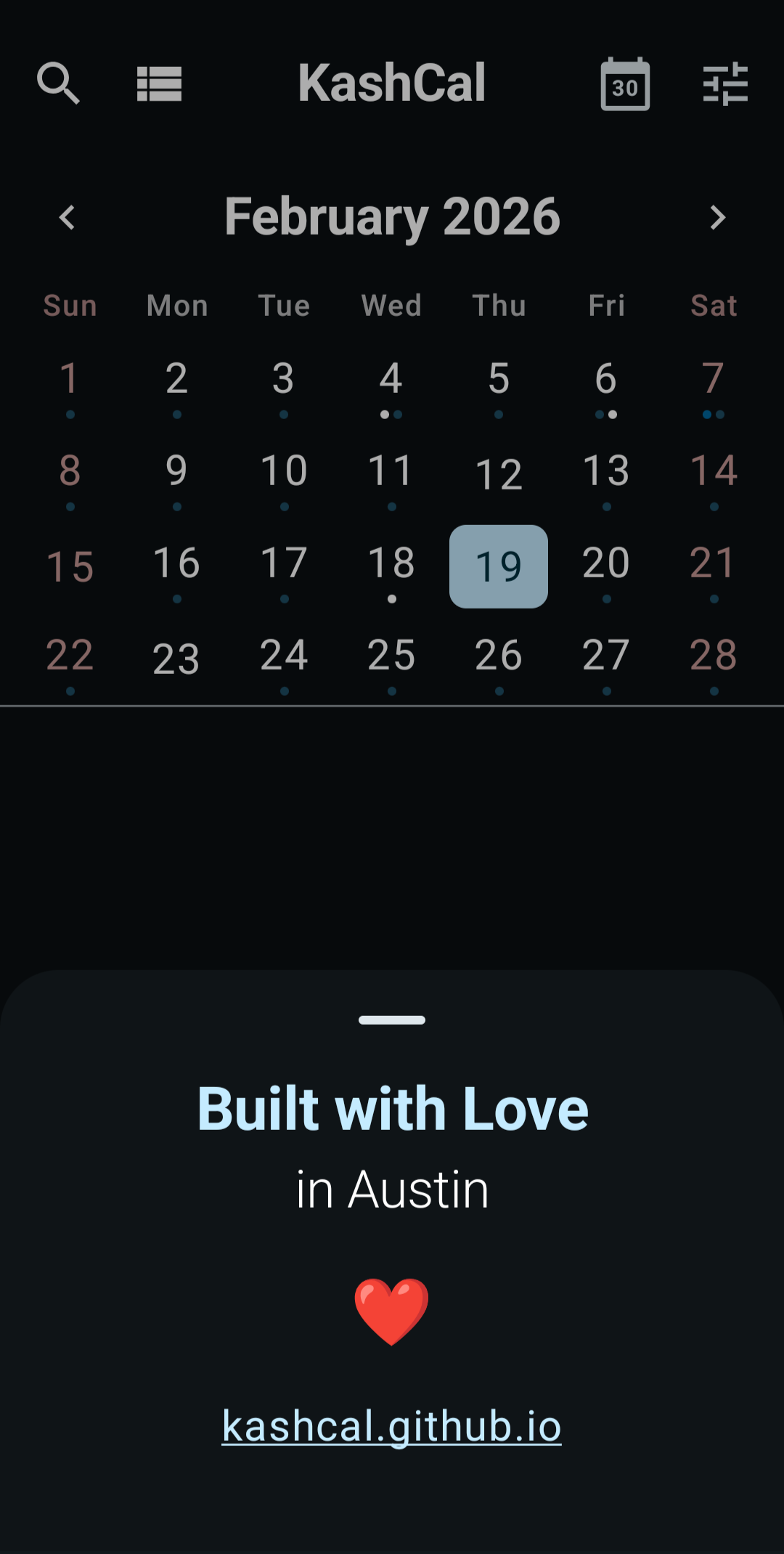
Modern, without the air quotes
KashCal is built on Material 3 with full Material You support, so on Android 12 and newer it picks up the colors from your wallpaper and wears them without looking like it's trying. The app runs edge-to-edge instead of boxed in by status bars. Dark mode is designed dark, not inverted light. Scroll, pinch, swipe, and the whole thing moves the way your phone does, not like a port of something older.
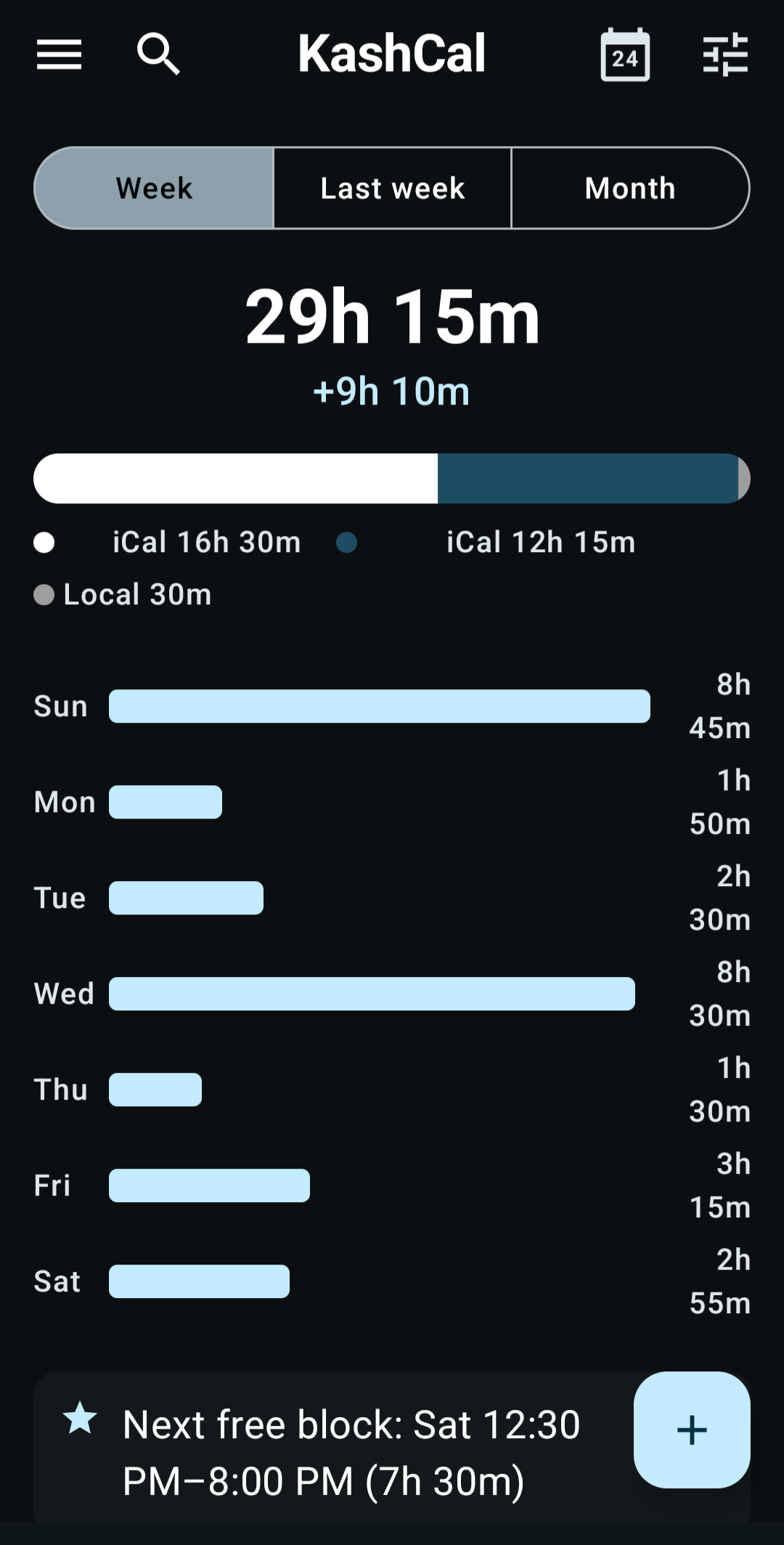
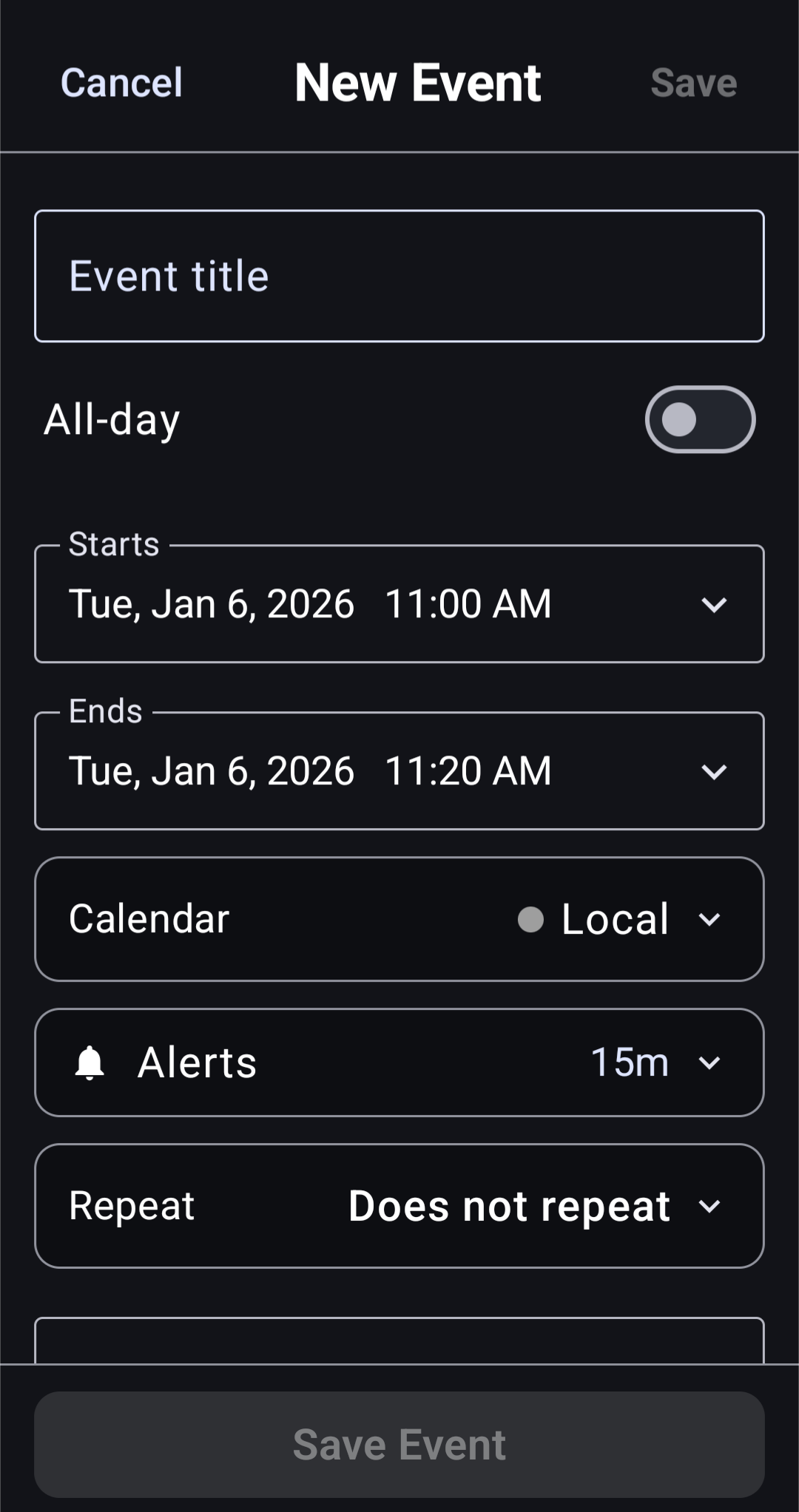
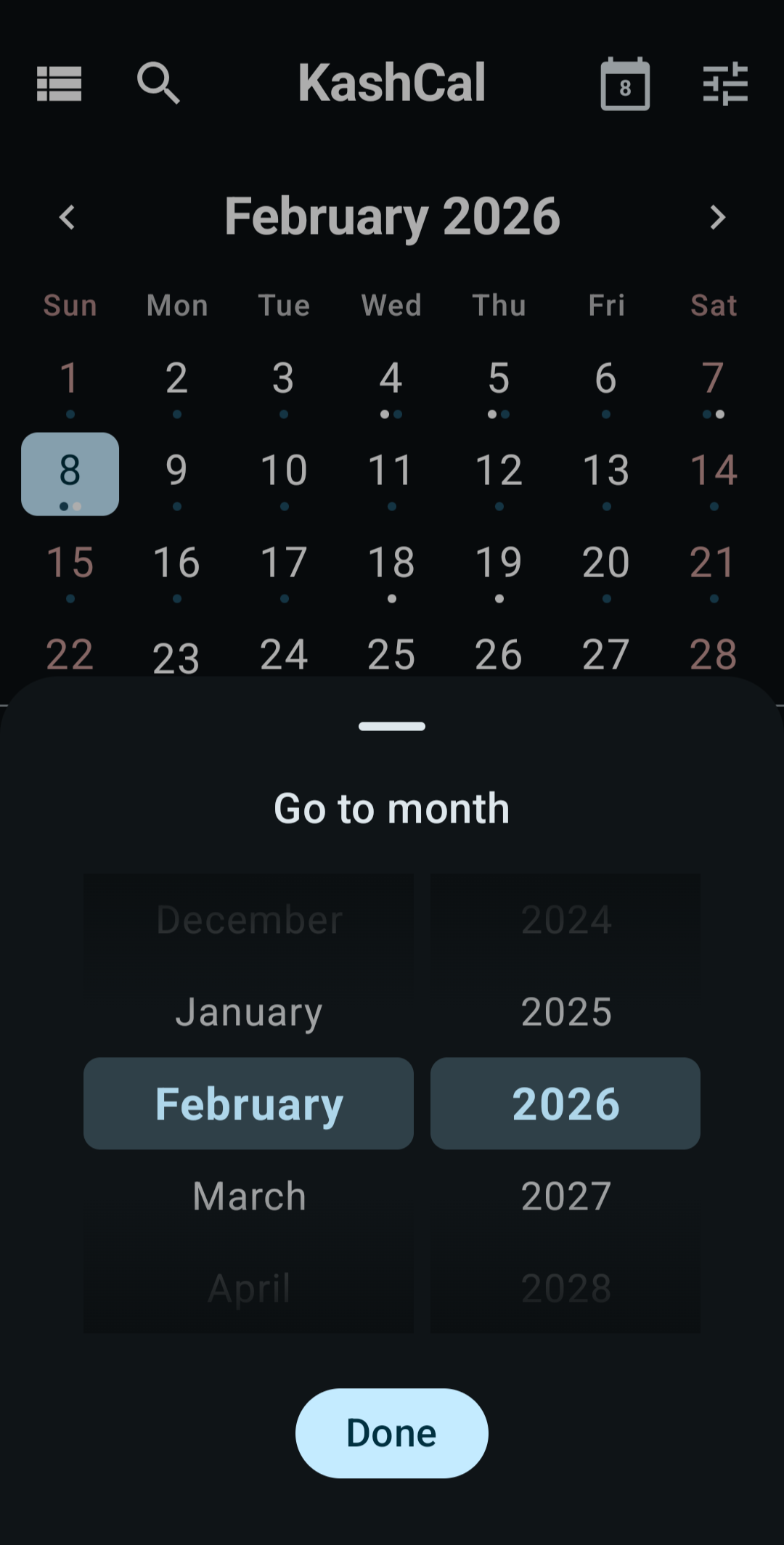
Six views, not six versions of the same view
Different days want different layouts. KashCal ships six, each designed for the job it's actually for.
- Agenda
- Today as a readable list. Good for mornings.
- 3-day
- What's coming, at a glance.
- Week
- Pinch to zoom the hours. Drag an event to reschedule it.
- Month
- The classic grid, still legible on a phone.
- Month-full
- When month needs more breathing room.
- Year
- Twelve months on one screen. Tap any day to jump.
Colors
Couldn't pick a color? We couldn't either. So we added all 92.
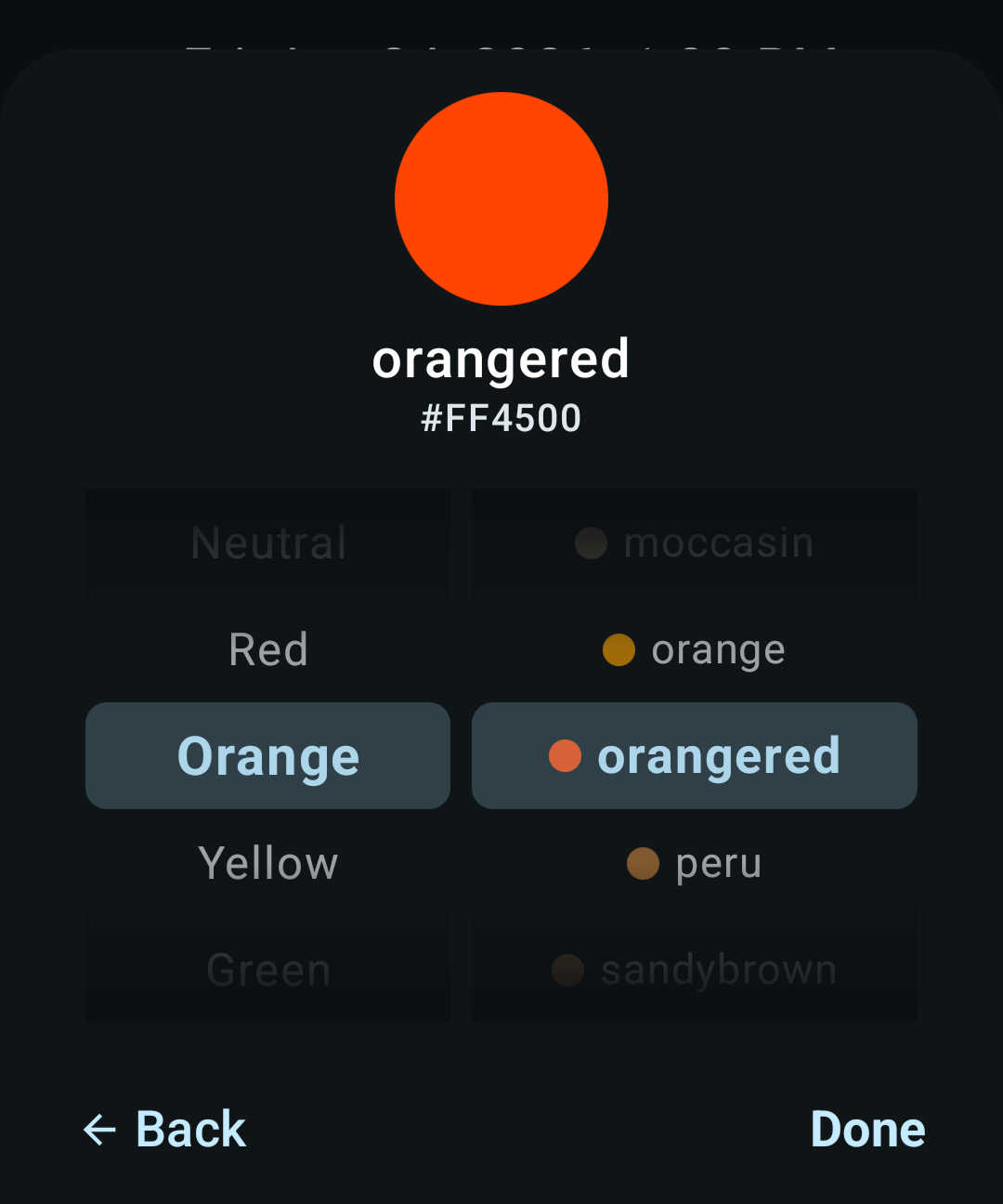
Twelve curated colors in the primary grid for quick picks, plus 92 named CSS3 colors on a hue wheel for when the mood is specifically dodgerblue. Pick a color for any event and it rides along wherever the event goes, so apps that render per-event colors, like Apple Calendar on the Mac, show the same one.
Little things
- Pinch-to-zoom the week view to stretch the hours
- Drag an event to a new time or day
- Pull down on any view to refresh
- Widgets that match your system palette
- Auto-emoji for event titles (type "lunch," get a little fork)
- Speaks 67 languages
- Syncs with iCloud, Nextcloud, Fastmail, Outlook, and others
- Shows you where your time goes, on-device
Beauty is subjective, so we can't in good faith claim best in the universe. Best-looking one on your Android phone is a claim we're willing to stand behind. Free, open source, no ads, no trackers, no account.


