The best-looking calendar on Android
A bold claim. Here's what it rests on.
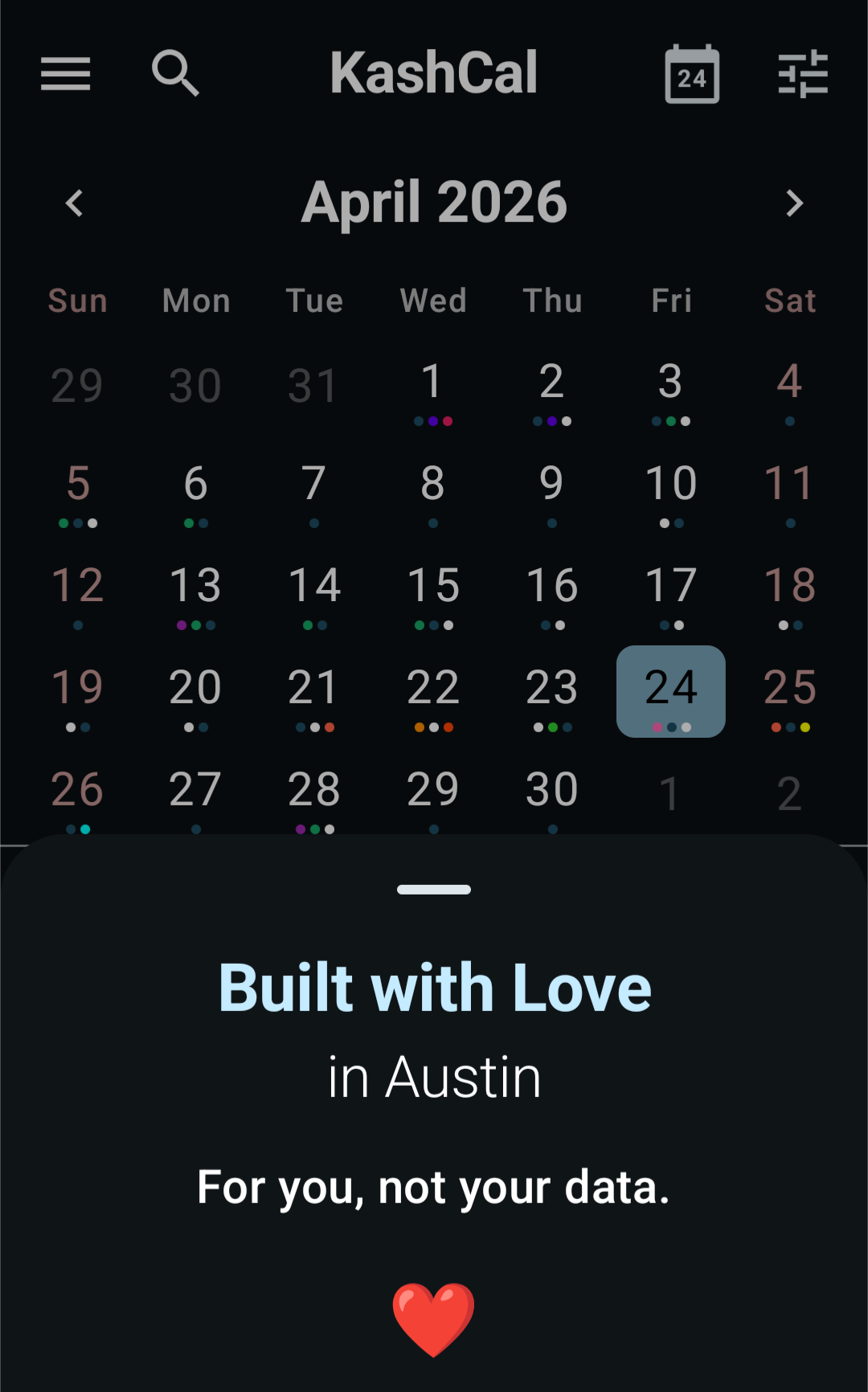
Modern, without the air quotes
KashCal is built on Material 3. On Android 12 and newer, it takes its colors from your wallpaper with Material You, and that's the default. The app draws edge to edge, under the status and navigation bars. Dark mode is designed dark, not inverted light. Scroll, pinch and swipe move the way the rest of your phone does, not like a port of something older.
Seven views, not seven versions of the same view
Different days want different layouts. KashCal has seven, each built for its own job. See calendar views for the details.
Colors
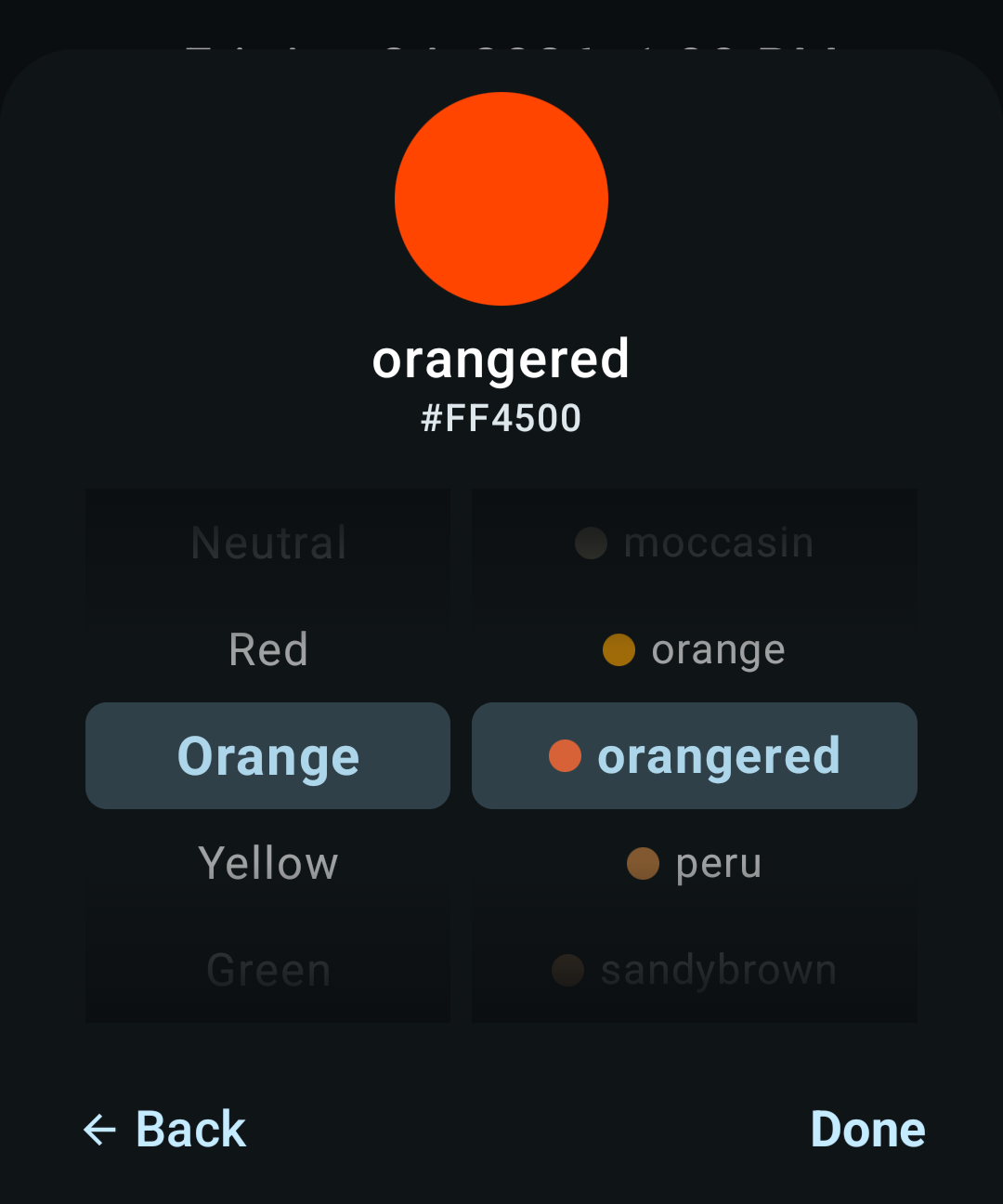
The event color grid gives you your calendar's own color and 11 hand-picked ones. Tap More colors for two linked wheels with 92 named CSS3 colors, for when the mood is specifically dodgerblue. When the event syncs, its color goes with it, so apps that show per-event colors, like Apple Calendar on the Mac, show the same one.
Little things
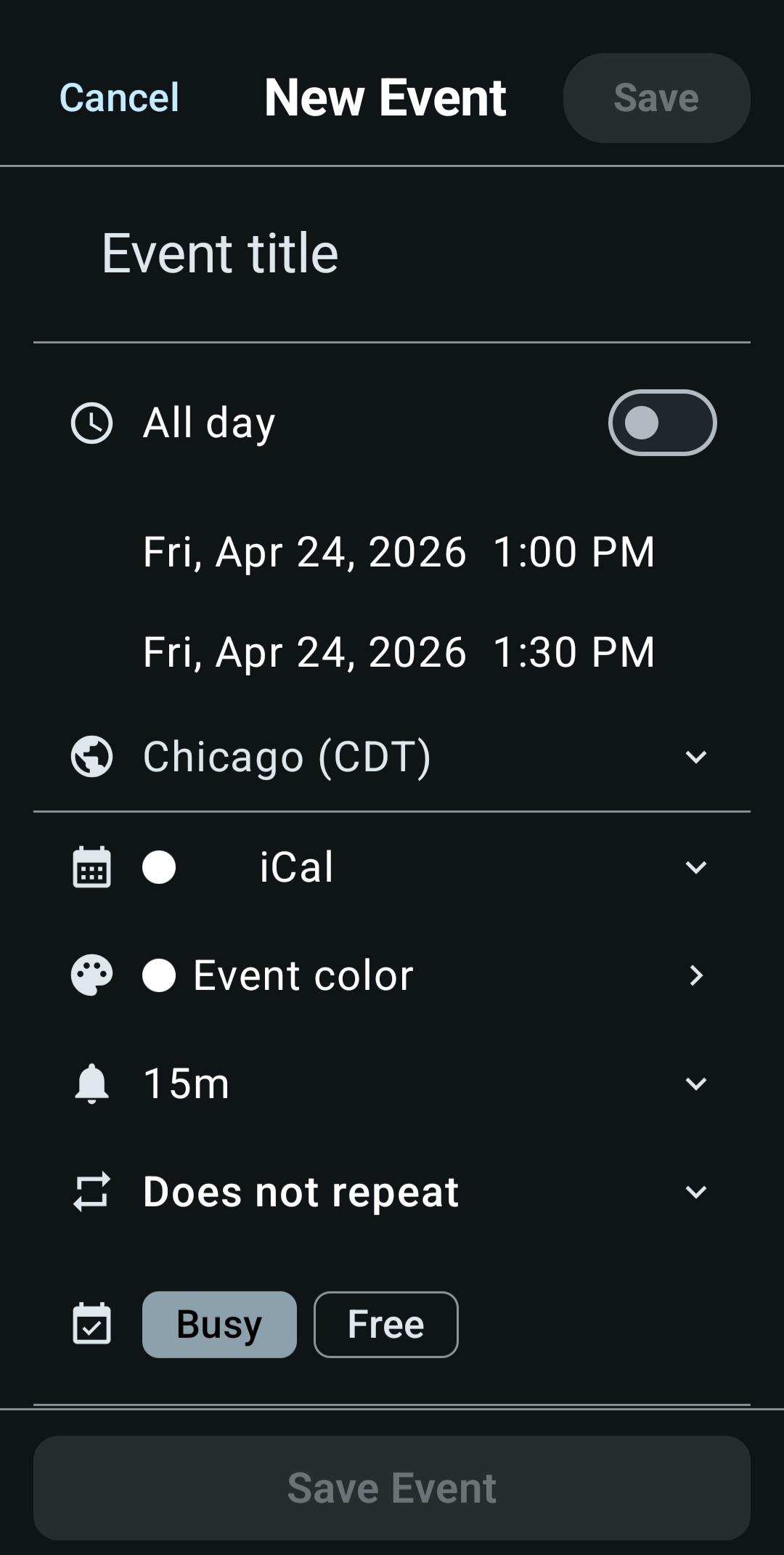
- Pinch the Day, 3 Days and Week views to stretch the hours
- Drag a timed event to a new time or day
- Pull down on any calendar view to sync your accounts
- Widgets that match the app's colors, or get their own
- Auto-emoji for event titles (type "lunch", get a plate)
- Speaks 67 languages
- Syncs with iCloud, Nextcloud, Fastmail and other CalDAV servers, and shows your Google and Outlook calendars through device calendars
- Shows you where your time goes, on-device
Beauty is subjective, so we can't in good faith claim best in the universe. Best-looking one on your Android phone seems about right. Free, open source, no ads, no trackers, no account.
Common questions
Does KashCal support Material You?
Yes. On Android 12 and newer, KashCal takes its colors from your wallpaper with Material You. That's the default, shown as Automatic. Prefer to choose? Set an accent color instead: KashCal Teal, 11 more swatches, or any of the 92 named colors on the wheels. It recolors the whole app, and your widgets too unless you give them their own. Light and dark follow your system setting unless you pick Light or Dark.
How many colors can I use for events?
The grid has your calendar's color plus 11 hand-picked colors for quick picks. The wheels hold 92 named CSS3 colors for when you want something specific. When the event syncs, its color goes with it, so apps that show per-event colors, like Apple Calendar on the Mac, show the same one.
Does KashCal have a dark mode?
Yes, and it is designed dark, not inverted colors. The Theme picker follows your Android light or dark setting by default, or pins Light or Dark. Your accent color is a separate choice that works with either. Pair any of the 92 colors, or the app's own KashCal Teal, with light or dark.
Is KashCal free?
Yes. KashCal is free, open source, and has no ads, trackers, or accounts. It is on Google Play, F-Droid, IzzyOnDroid, GitHub Releases, and Obtainium.