Connecting a CalDAV server
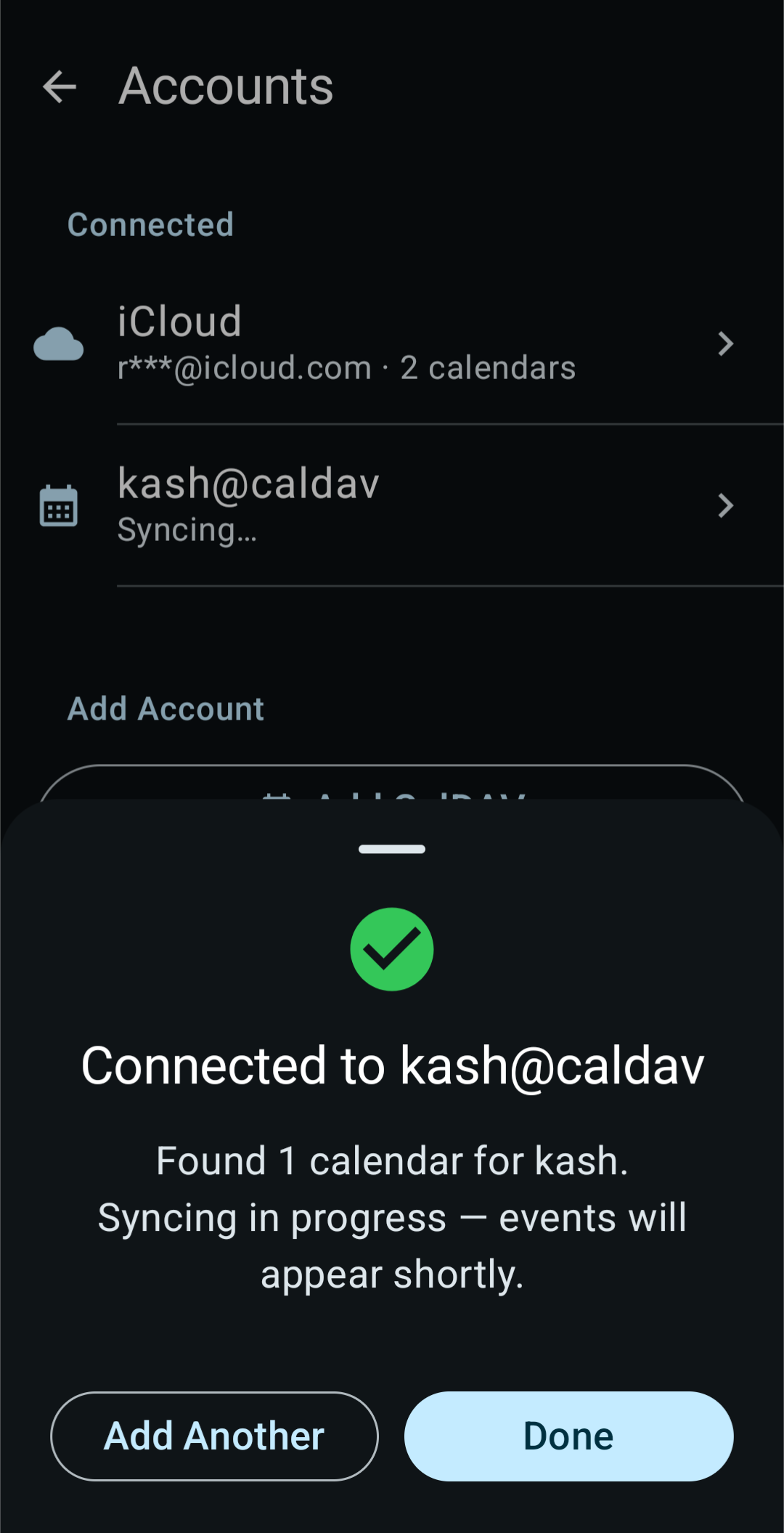
Use this path for any CalDAV calendar service other than iCloud. That includes Nextcloud, Fastmail, Radicale, Baikal, Zoho, mailbox.org, Stalwart, SOGo, Infomaniak, Davis and Purelymail. For iCloud, see Connecting iCloud.
Add the account
- Open Settings, tap Calendar accounts, then tap Add CalDAV.
- Fill in the fields:
- Server URL: for example,
nextcloud.example.com. Without a scheme, KashCal useshttps://. - Username: your username for that service.
- Password: your password, or an app password if the service offers one (see below).
- Display Name: the name shown in Settings. KashCal fills it in from your
username and server, such as
anna@Fastmail. You can change it. It can't be blank, and no two accounts can share a name.
- Server URL: for example,
- Tap Connect. KashCal finds your calendars and adds all of them.
To hide a calendar you don't want to see, turn it off in the navigation drawer.
Use an app password where the service offers one
Nextcloud and Fastmail let you create an app password for connecting other apps. Use one instead of your main password. You can revoke it without changing your main password. Look in your provider's security settings to create one.
How KashCal finds your calendars
Enter the main server address. KashCal asks the server for its CalDAV location at the
standard .well-known/caldav address. If that doesn't lead to your account, it tries
the paths that Nextcloud, Baikal, Zoho, mailbox.org, Stalwart, Davis and other servers
use.
If your provider gives you a full CalDAV URL, you can enter that instead.
Self-hosted servers (HTTP or self-signed certificates)
- Plain HTTP: type
http://at the start of the Server URL. Without it, KashCal connects overhttps://. - Self-signed certificate: turn on Trust insecure connection ("For self-signed certificates or local HTTP servers"). KashCal then accepts any certificate from that server.
Use these only for servers you run yourself. For public services, keep https://
and leave Trust insecure connection off.
Servers on your home network
Android 17 and later block apps from reaching devices on your local network until you
allow it. When the Server URL is a private IP address such as 192.168.1.10 or a
.local name, the sign-in screen shows a banner:
This server looks like it's on your local network. Allow local network access so KashCal can connect to it.
Tap Allow access to grant it, or Not now to hide the banner. The banner doesn't block the form. If you enter a hostname that points to your local network, the banner appears after a failed connection instead.
Provider tips
- Nextcloud: create an app password under Settings → Security → Devices & sessions. The server address is your Nextcloud domain.
- Fastmail: create an app password with CalDAV access in your Fastmail settings.
- Baikal and Radicale: for a self-hosted server on plain HTTP or with a self-signed certificate, see Self-hosted servers. Baikal servers that use Digest authentication work too.
- Zoho, mailbox.org, Stalwart and SOGo: enter the server address and your username and password. KashCal tries the usual CalDAV paths of Zoho, mailbox.org and Stalwart, and works around known quirks of all four.
Managing or removing the account
Tap the account under Settings → Calendar accounts to open its sheet. It has rename, the Calendar and Contacts switches, Sync Now, Discover New Calendars, Change Password and Sign Out. See Managing your accounts. Contact sync has its own page.
Use Change Password after you change your password or create a new app password. Signing out removes the account's synced calendars from this device. Your events on the server stay there.
Trouble connecting?
- Check that the server address is correct and your phone can reach it.
- If your provider offers app passwords, use one.
- For a self-signed certificate, turn on Trust insecure connection.
- If KashCal says "The server redirected the connection somewhere KashCal won't follow",
the server sent KashCal from
https://to a plainhttp://address, or through more than five redirects in a row. KashCal stops before sending your password. The message shows at sign-in, on Change Password and on Discover New Calendars. Check the Server URL. KashCal uses plain HTTP only for an account whose address starts withhttp://. - On Android 17 and later, for a server on your home network, allow local network access.
- See Sync troubleshooting.