Calendar feeds (ICS subscriptions)
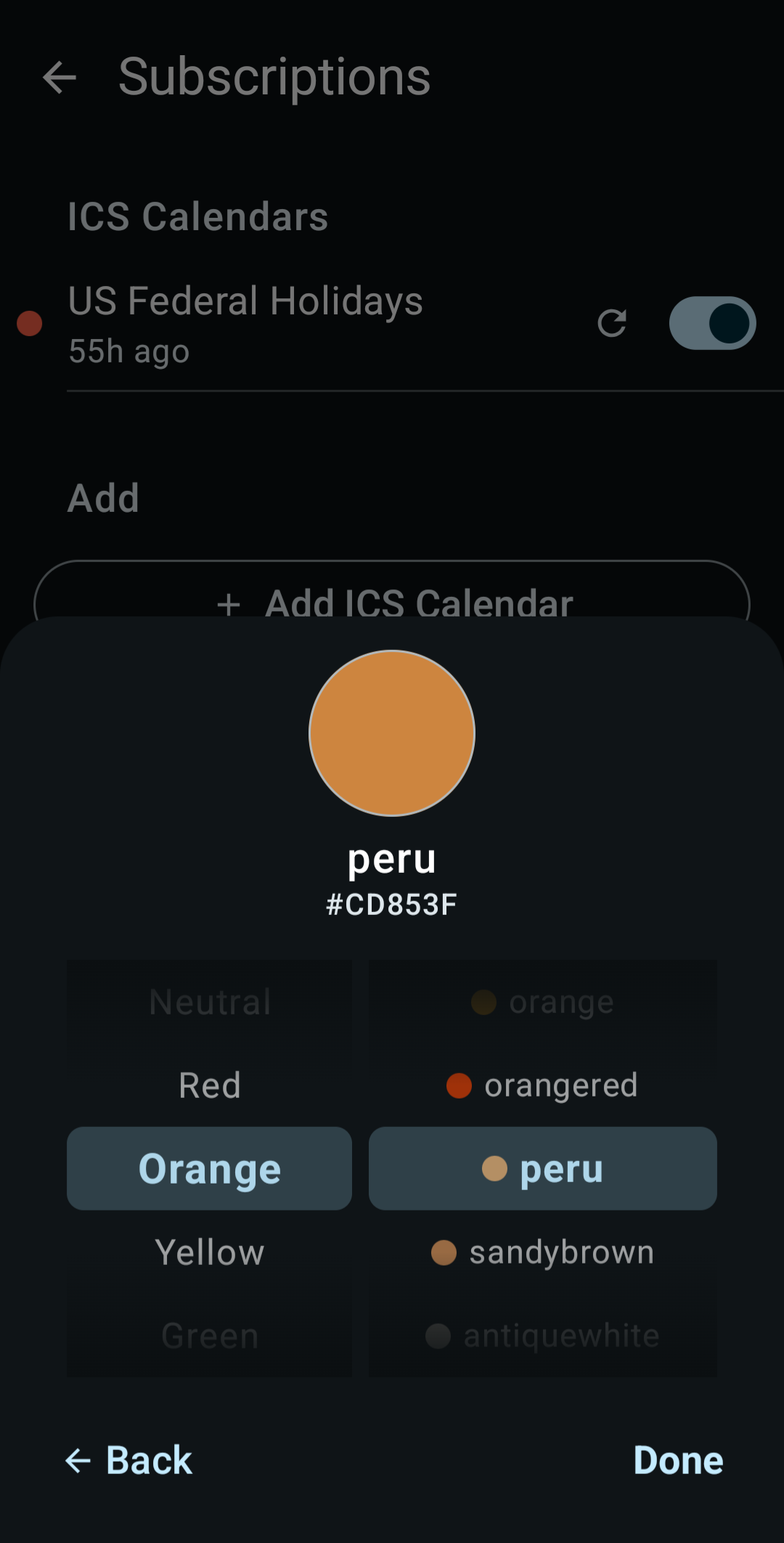
A calendar feed is a calendar someone else keeps up to date: public holidays, your team's fixtures, school terms, release dates. Feeds are free, read-only ICS links, not paid subscriptions.
Add a holiday calendar
The holiday catalog saves you hunting for a URL:
- Open Settings → Calendar feeds (ICS).
- Tap Add holiday calendar.
- Search for your country and tap it.
KashCal checks that the feed can be reached, then subscribes. The catalog has 86 feeds for 77 countries, and seven countries come in more than one language. Countries you already follow are marked Added. Each holiday calendar is a regular feed and follows the rules on this page.
The holiday calendars come from Mozilla Thunderbird's public holiday feeds, licensed under CC BY-SA 3.0. KashCal points at those feeds. It doesn't host the calendar data.
Add any other feed
For a feed that isn't in the holiday catalog, such as a sports schedule or your school's term dates:
- Open Settings → Calendar feeds (ICS).
- Tap Add ICS Calendar.
- Paste the feed's address into Calendar URL. It starts with
http://,https://,webcal://orwebcals://. - Tap Fetch Calendar. KashCal downloads the feed and shows how many events it found, for example "Found: 42 events". If the feed can't be read, it shows the error instead.
- Check the name KashCal filled in from the feed. To change the color, tap Color:.
- Tap Add.
Add stays disabled until the fetch succeeds. Every feed starts with a daily refresh. To change that, edit the feed after you add it (see How often feeds refresh).
If you already follow the same URL, KashCal doesn't add it again and shows "Already subscribed to this URL".
webcal:// links
Google Calendar, Apple Calendar and many holiday and sports sites have a Subscribe or
Add to Calendar button that hands your phone a webcal:// link. Tap one and open it
with KashCal. The add sheet opens with the URL filled in. Tap
Fetch Calendar, then Add. A webcal:// address is the same feed as its
https:// version, so pasting either one gives the same events.
Feeds on your home network
On Android 17 and newer, apps need your permission to reach devices on your local
network. When a feed's URL points to an address on your own network, or the fetch fails
to connect, the add sheet shows a Local network access needed banner. Tap Allow access to
grant it, or Not now to hide the banner. The banner doesn't block the form. Without
the permission, KashCal can't reach a feed at an address like 192.168.1.10.
How often feeds refresh
Each feed has its own refresh interval:
- Every hour
- Every 6 hours
- Every 12 hours
- Daily (the default)
- Weekly
To change it, tap the feed's row, pick an interval under Sync Interval:, then tap Save. A holiday calendar rarely changes, so weekly is enough. A feed that changes during the day suits a shorter interval.
Feeds are read-only
Events from a feed show up alongside your other calendars. You can't edit them in KashCal, because they belong to the source feed.
Manage or remove a feed
Each feed is a row on the Calendar Feeds screen:
- Pause a feed: turn off the switch on its row. The row shows Sync paused. KashCal stops refreshing the feed. Its events stay on your calendar. To hide them, turn the calendar off in the navigation drawer. Turn the switch back on to refresh the feed.
- Refresh a feed: tap the refresh button on the row to fetch its events without waiting for the next scheduled refresh.
- Edit a feed: tap the row to change its name, color or refresh interval.
- Remove a feed: swipe the row left. KashCal shows "Subscription removed". Tap Undo to keep the feed. Otherwise, when the message closes, KashCal deletes the feed's calendar and its events.
Where to find feeds
National holiday services, sports teams, school districts and event sites publish ICS links. Copy the feed's link and paste it into KashCal.