Quick Add
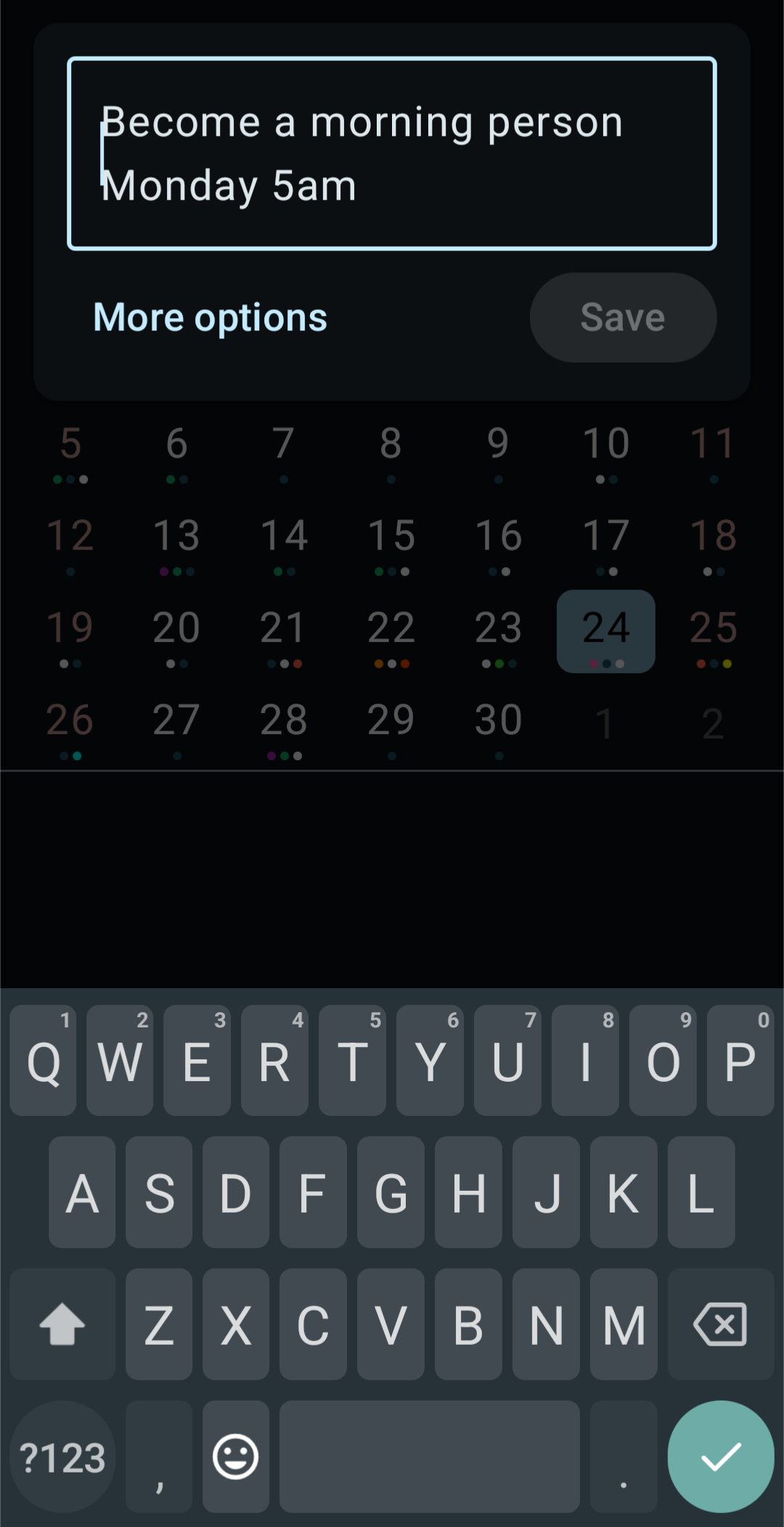
Type an event the way you'd say it out loud, and KashCal sorts out the rest. As you type, it shows a live preview of what it understood (the title, date, time, and more), so you can watch it get things right before you save.
Here's how KashCal breaks down what you type:
›Coffee with Kash tomorrow 3pm for 1 hour
↓ KashCal reads it as you type
Title☕ Coffee with Kash
WhenTomorrow · 3:00 to 4:00 PM
RepeatsNo
Schematic illustration of the Quick Add preview.
What you can type
Quick Add understands many kinds of phrases, and you can combine them freely in one sentence.
Dates
- Relative:
today,tomorrow,yesterday,day after tomorrow - Weekdays:
Monday,next Friday,this Wednesday,last Tuesday - Specific dates:
March 15,15 January,15 of March 2027 - Numeric dates:
3/15/2027,2027-01-15
Times
- Exact:
3pm,3:30 PM,15:30,at 10 15 - Time ranges:
2pm to 4pm - Casual:
morning,afternoon,evening,night,tonight - Spoken style:
quarter past 10,half past 3,quarter to 5
Duration
for 30 minutes,for 2 hours,for 1.5 hours
"In" and "ago" offsets
in 2 hours,in 3 days,in 1 week2 hours ago,3 days ago
Recurrence
daily,weekly,biweekly,monthly,yearlyevery day,every 2 weeks,every 3 monthsevery Monday,every weekday- End conditions like
until Decemberor5 times
Location
- Anything after at becomes the location:
Lunch at Olive Garden,Meeting at Conference Room B
Tags
- Put
#in front of a word to add it as a tag:Lunch with Sam #social,Deep work #focus. You can add several, and KashCal keeps the rest of the phrase as the event. See Tags.
Examples
| You type | KashCal creates |
|---|---|
Coffee with Kash tomorrow 3pm | "Coffee with Kash", tomorrow at 3:00 PM |
Standup every weekday at 9am | "Standup", repeating every weekday at 9:00 AM |
Lunch with Sam Friday 12:30 for 1 hour | "Lunch with Sam", this Friday 12:30-1:30 PM |
Book club every Tuesday until December | "Book club", weekly on Tuesday, ending in December |
Dentist in 2 weeks at 10am | "Dentist", two weeks out at 10:00 AM |
Deep work 2pm #focus | "Deep work", today at 2:00 PM, tagged #focus |
The live preview
While you type, KashCal shows what it parsed:
- the title (with an emoji if it recognizes one),
- the date (shown as Today / Tomorrow or a full date),
- the time range, or "All day" if you didn't give a time,
- the location, and
- the recurrence, if any.
If something looks off, keep editing and the preview updates instantly. When you're happy, save it. Need more control? Open the full event form to fine-tune everything.
Related
- Creating & editing events: the full editor
- Search: find an event later