Event colors
An event takes its calendar's color unless you give it its own. Use colors to sort your week by type, for example blue for work, green for personal and red for deadlines.
Choosing a color
In the event form, tap the Event color row. A grid opens:
- The first swatch is the calendar default. Pick it to make the event follow its calendar's color.
- The other 11 swatches cover red, orange, yellow, two greens, teal, two blues, purple, pink and gray.
- Tap a swatch to apply it. The grid closes.
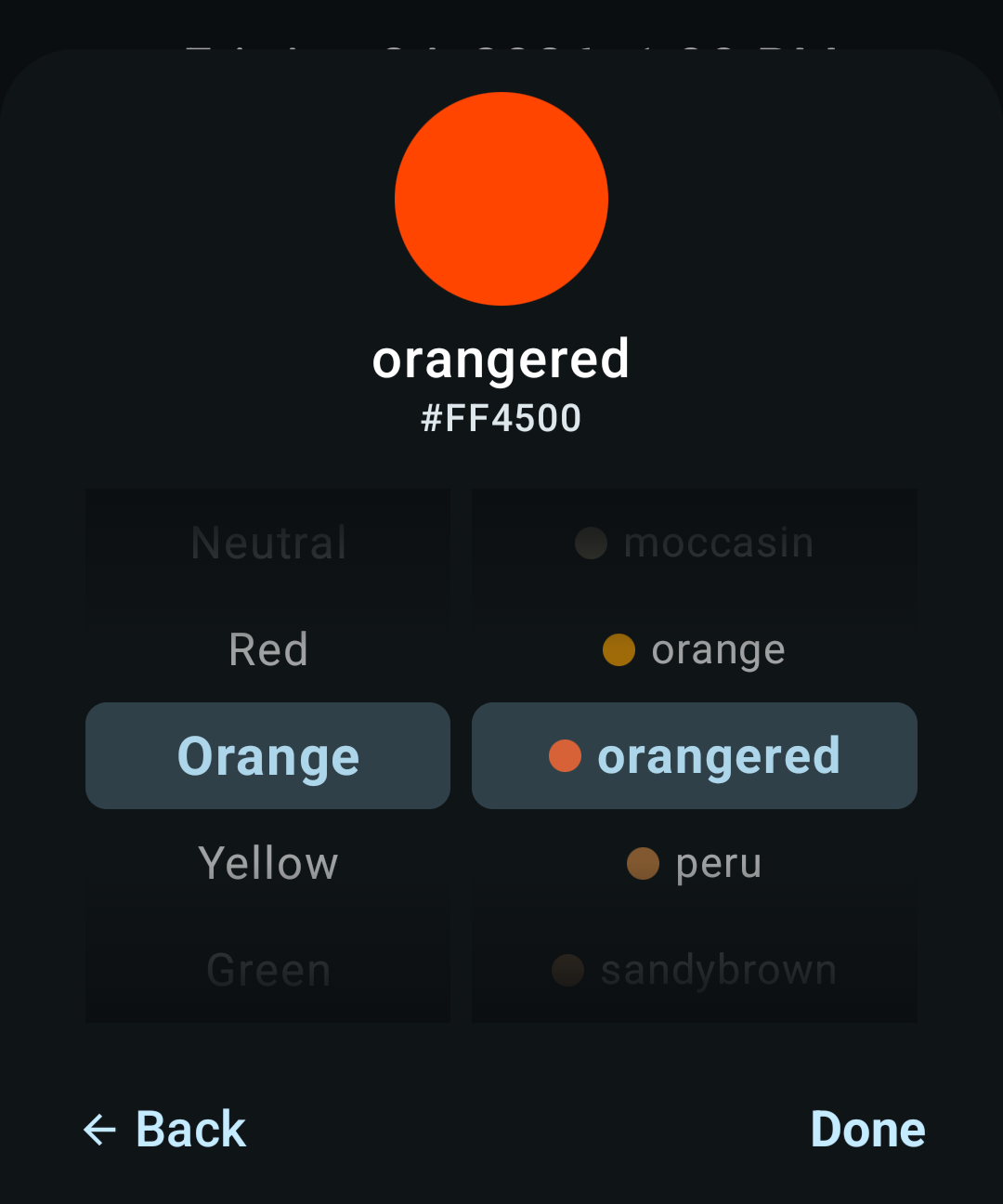
For more choices, tap More colors. It opens a browser of 92 named colors on two wheels: turn the left wheel to pick a color family and the right wheel to pick a color. The top shows a preview with the color's name and hex code. Tap Done to apply it, or Back to return to the grid.
The row then shows the color's name for a grid color or Saddle Brown, Custom for any other color, or Event color when the event uses the calendar default.
You can't change the color of an event someone else organizes and invited you to.
Calendar colors
iCloud and CalDAV calendars use the color set on the server and pick up changes when they sync. Device calendars use the color their sync app sets. The Local calendar is gray.
To recolor one of these calendars, do it on the server or in the app that owns it. You set the colors of calendar feeds and contact birthdays in KashCal.
How colors sync
KashCal sends an event's color to your CalDAV server as a standard web color name, or as a hex code for a color outside the 92. It reads the same values back from the server. If the server doesn't store event colors, KashCal keeps the color you set on your phone.
Related
- Creating & editing events: set a color while you edit
- Calendar views: where colors show up